Customer PortalManage your shipments from one
intelligent customer dashboard.
The Customer Portal gives businesses complete control over their logistics operations. Book shipments, schedule pickups, track deliveries in real time, manage your wallet, download proof of delivery, and raise support requests—all from one secure platform.
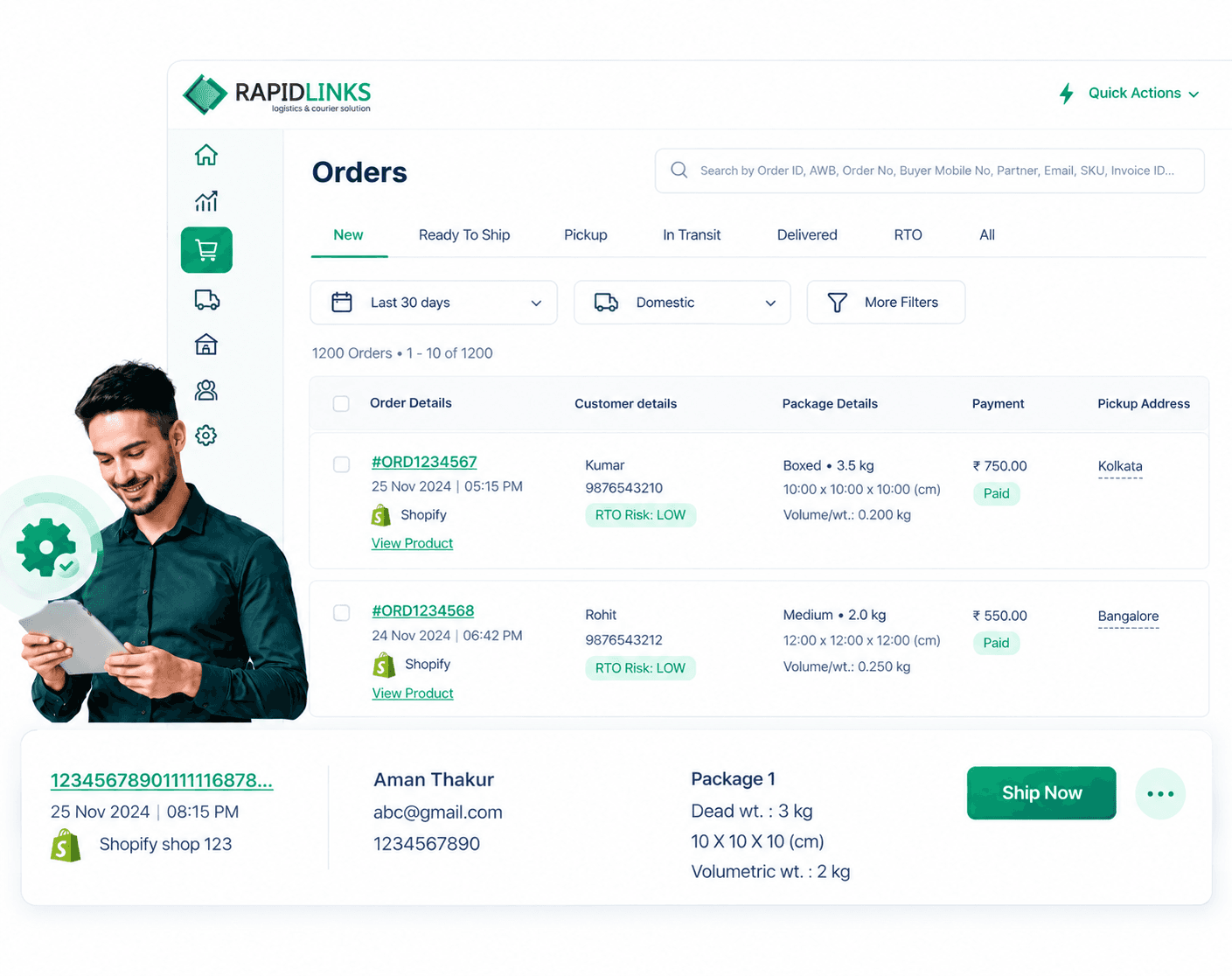
Order Management
Order Management allows customers to create, manage, and monitor shipments from a single dashboard. Every shipment begins here, where users can book consignments, print shipping labels, and track order progress throughout the delivery lifecycle.
What You Can Do
- Create Domestic Orders
- Create International Orders
- Generate AWB Numbers
- Print Shipping Labels
- Manage Existing Orders
- Cancel Orders
- View Shipment History
- Search Orders
- Download Invoices
Benefits
How It Works
Manifest Management
A manifest is a digital list of shipments transported together in one vehicle or container. Manifests ensure every shipment is accounted for before transportation begins.
Key Features
- Generate Vehicle Manifest
- Create Hub Manifest
- Add Multiple Shipments
- Verify Shipment Counts
- Close Manifest
- Print Manifest
- Transfer Manifest
Workflow Process
Pickup Scheduling
Customers can schedule shipment pickups directly from their warehouse or office without contacting support. Pickup requests are instantly assigned to the operations team.
What You Can Do
- Schedule New Pickup
- Choose Pickup Date
- Select Pickup Time
- Manage Pickup Requests
- Reschedule Pickup
- Cancel Pickup
- View Pickup History
- Receive Pickup Notifications
Benefits
How It Works
Wallet Management
Manage your logistics payments using a secure digital wallet. Add funds, view balances, monitor credits, and track transaction history from one place.
What You Can Do
- View Wallet Balance
- Add Money
- View Credit Limit
- Track Due Payments
- Transaction History
- Download Invoices
- Payment Reports
- Automatic Deductions
Benefits
How It Works
Proof of Delivery (POD)
Download digital proof of delivery after shipments are successfully delivered. POD documents include delivery confirmation, receiver details, delivery time, and signature.
What You Can Do
- Download POD
- View Delivery Signature
- Delivery Timestamp
- Receiver Information
- Shipment Confirmation
- Delivery Reports
Benefits
How It Works
Discrepancy Tracking
This module records and resolves operational issues during shipment processing. It helps identify damaged shipments, missing packages, incorrect scans, and operational exceptions before they affect customers.
Key Features
- Report Damaged Shipments
- Missing Package Tracking
- Wrong Scan Detection
- Exception Reporting
- Investigation Workflow
- Resolution Tracking
- Audit Logs
Workflow Process
Operational PortalQuestions Answered
Everything you need to know about our platform